Admin - How to Create a New Competition
Summary
You are able to create ladders, box leagues, leagues and knockout tournaments. All competitions have a similar look and feel interface and have the same sign up procedure.
Navigation
First click on the home button:
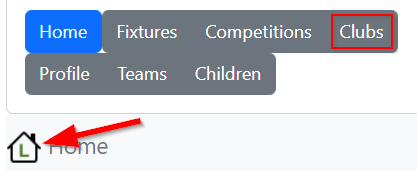
Then clubs:
Now scroll down to the bottom:
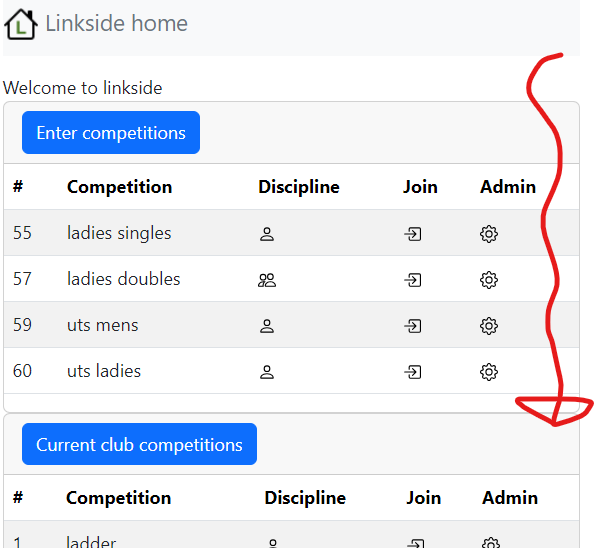
And click the admin button:
Create a new competition
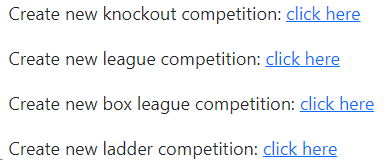
Choose from the options listed:
Create a new league
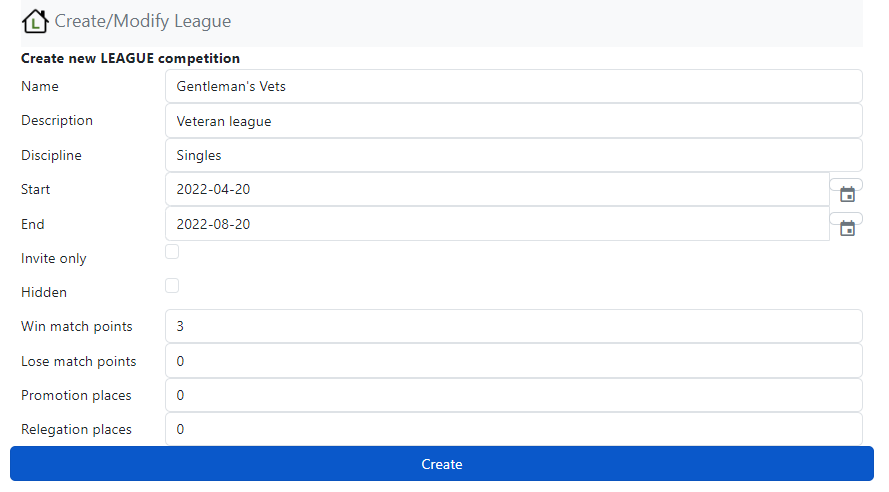
Simply fill out name, description, start/end dates, win/lose points and promotion/relegation places and press Create:
Admin menu
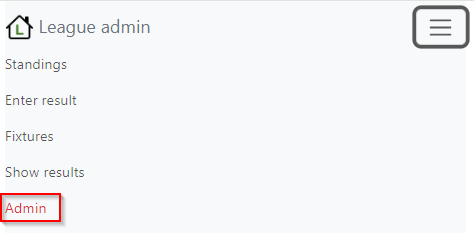
To manage the competition click the burger menu and select Admin:
From here you can
-
Add a participant

-
List delete matches played
-
Create delete fixtures
-
Modify-competition